> For the complete documentation index, see [llms.txt](https://manual.sigconsaida.mg.gov.br/llms.txt). Markdown versions of documentation pages are available by appending `.md` to page URLs; this page is available as [Markdown](https://manual.sigconsaida.mg.gov.br/manual-sigcon-saida/celebracao/tutoriais-or-or-preparacao-e-celebracao/assinatura-pelo-convenente-oscs.md).
# Assinatura pelo Convenente/OSCs
Status - Processo de assinatura do Convenente/OSCS - nesta fase o Representante Legal assina o Convênio - Tem que ter o perfil de Representante Legal
Quando o instrumento volta autorizado pela SEGOV o Concedente deve avisar ao Convenente para assinar o instrumento.
1. Pesquisar o Instrumento, clicar em ações - Editar Plano
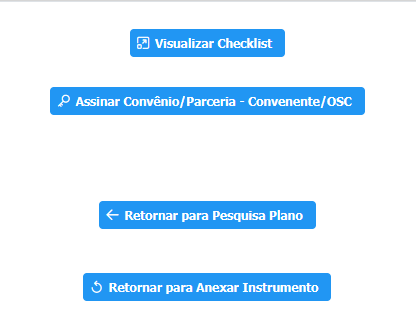
2. Clicar em - Assinar Convênio/Parceria - Convenente/OSC
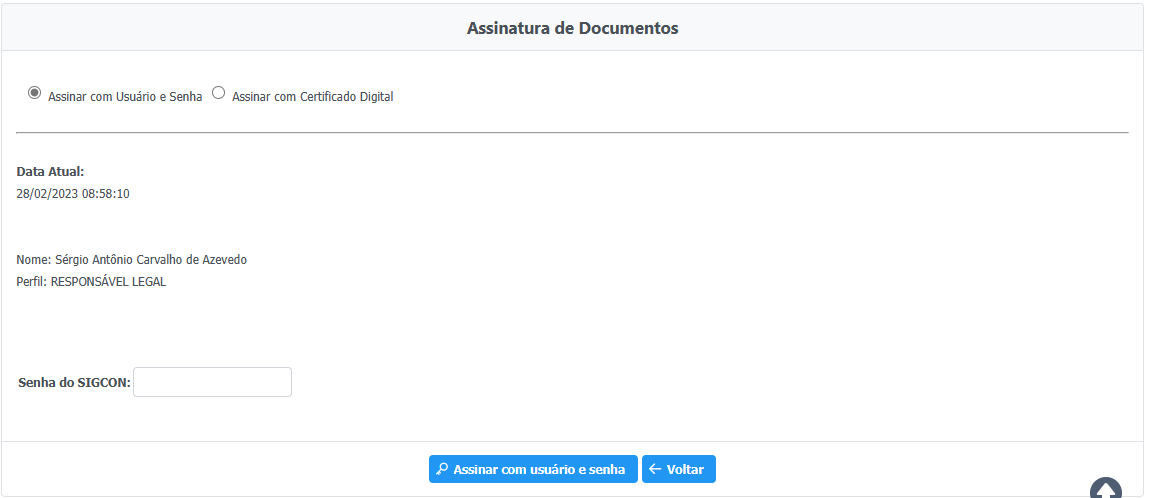
3. Escolher o tipo de assinatura - Clicar em Assinar